Building Storefront Channels
This article documents how to use Channels Toolkit to install a storefront channel in a store’s Channel Manager (Help Center) during a single-click app installation. This article assumes you’re an experienced app and headless storefront developer familiar with channels on BigCommerce.
Prerequisites
- Familiarity with channels on BigCommerce
- Experience building apps
- Experience building headless storefronts
Creating a channel
After receiving the final response of the single-click app OAuth flow auth callback, create a channel on the merchant’s store. Creating a dedicated channel for a storefront allows merchants to assign the storefront selected product listings and configure storefront-specific settings. To create a storefront channel, set type to storefront in a request to the Create a channel endpoint.
Specifying the platform
Specify the headless storefront’s platform by assigning an accepted value for platform in the request to the Create a channel endpoint.
Accepted values
See the list of Channels Platform types in the Channels API reference. You can use any platform with storefront as an accepted type.
Configuring UI sections
Define and configure the navigation menu items displayed in the channel’s dedicated control panel menu using the Create a channel menu endpoint.
Protected UI sections
BigCommerce allows the developer to toggle the location and scope of the following BigCommerce-managed settings pages between the storewide menu and channel-specific menus:
The term protected section refers to the settings on the corresponding menu pages. Settings in protected sections override the default settings configured at the storewide level. Include these protected sections in requests to the Create channel menus endpoint to display BigCommerce-provided, channel-specific settings pages and corresponding menu items. Enabled protected sections precede custom sections in a channel’s menu.
Storefront settings
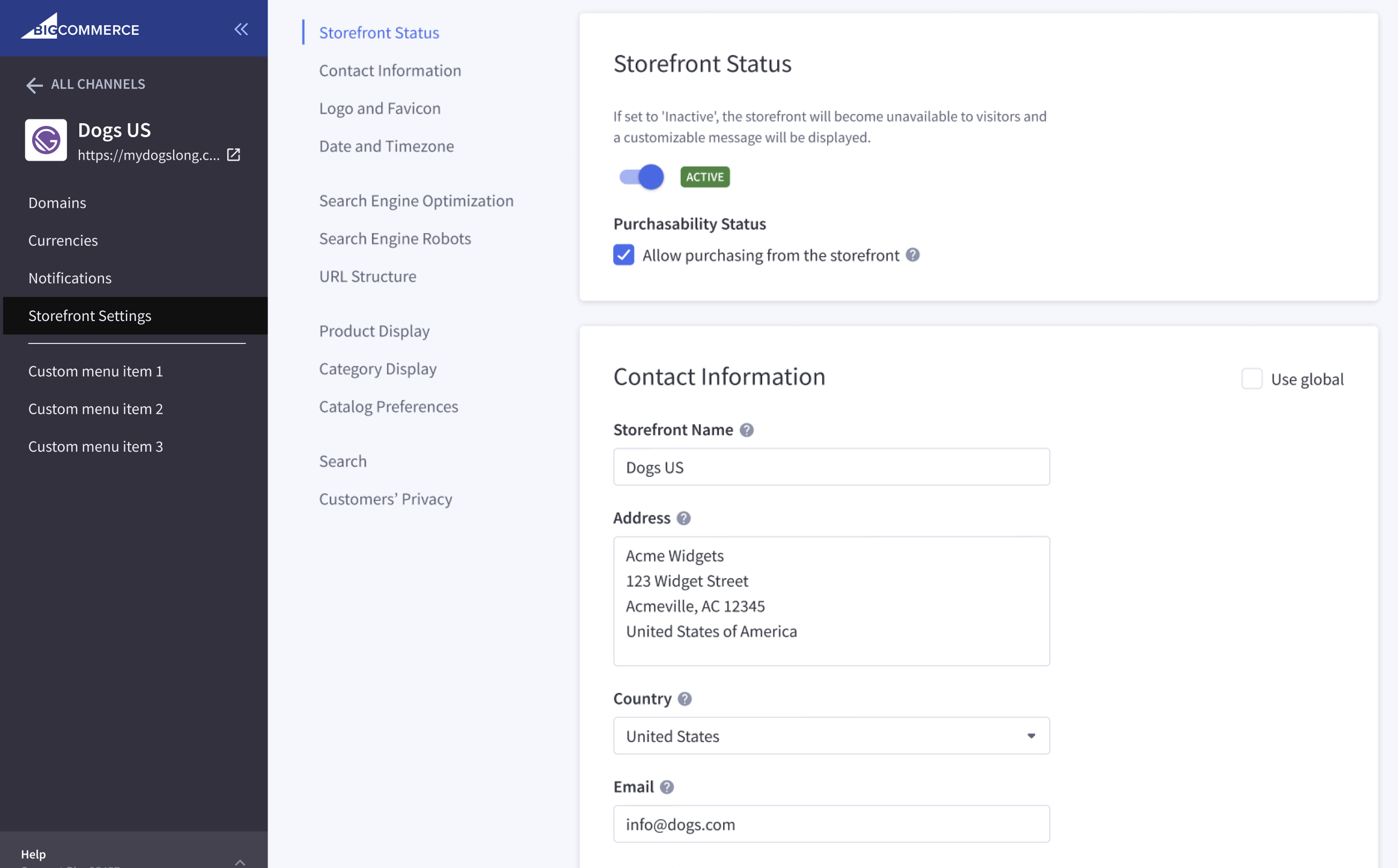
Include the storefront_settings protected section in a Channel Menu’s bigcommerce_protected_app_sections array to render the BigCommerce-provided Storefront Settings menu item in the channel’s navigation and corresponding settings page, and protect channel storefront settings from those set for the store in general.
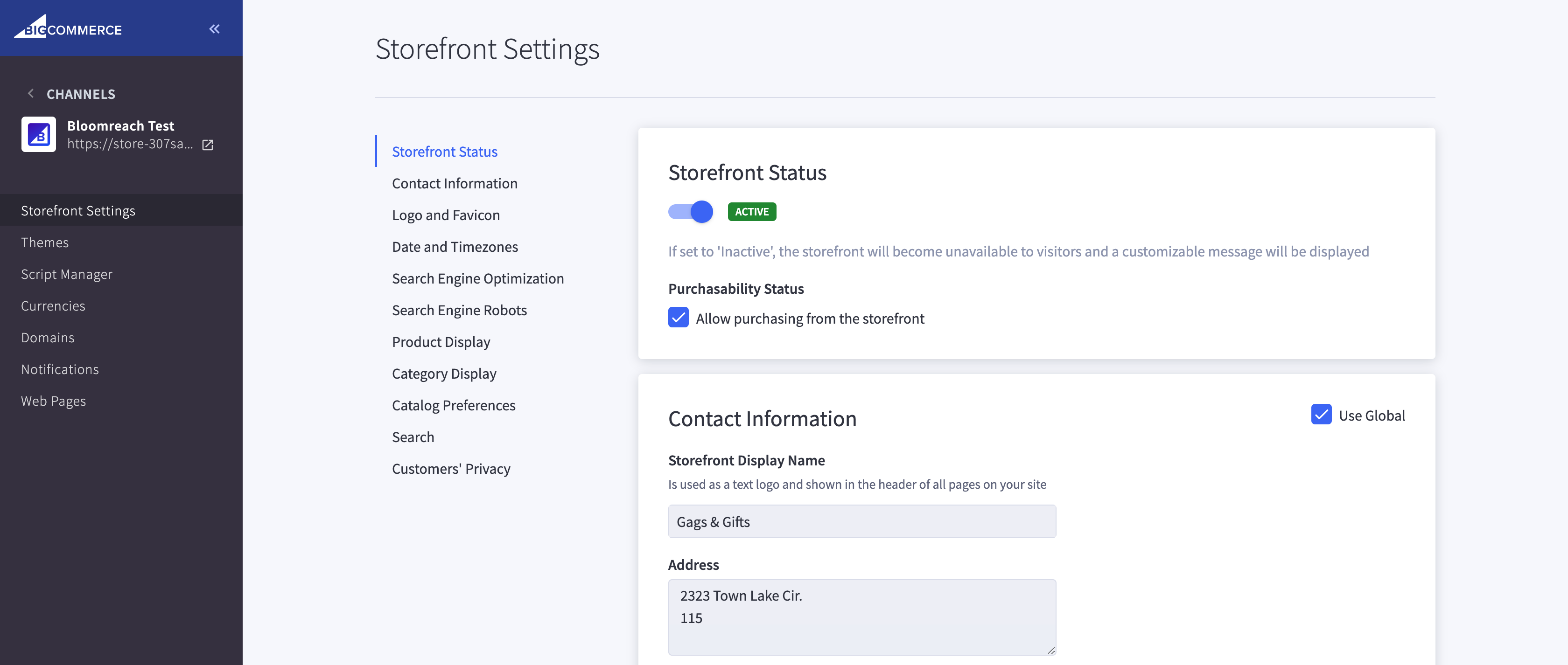
Read channel-specific storefront settings using the Settings API. For example, you can see a storefront’s category settings using the Get storefront category settings endpoint.
Request
Response
Currencies settings
Include the currencies protected section in a Channel Menu’s bigcommerce_protected_app_sections array to render the BigCommerce-provided Currencies menu item in the channel’s navigation and corresponding settings page, and protect channel currency settings from storewide currency settings.
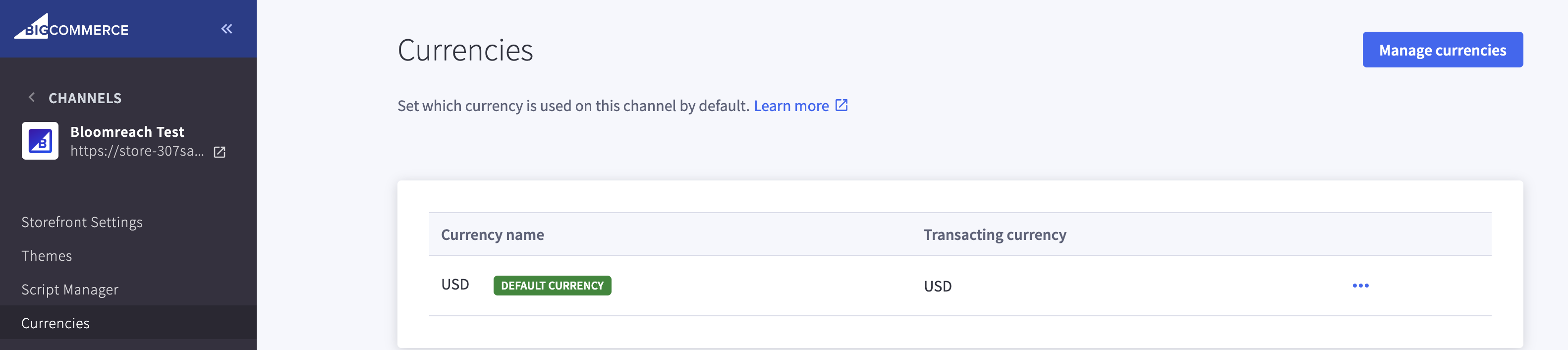
You can manage channel specific currency settings using the Channels API Currency Assignments endpoints. For example, you can use the Get channel currency assignments endpoint to learn more about a channel’s currency assignments.
Request
Response
Notification settings
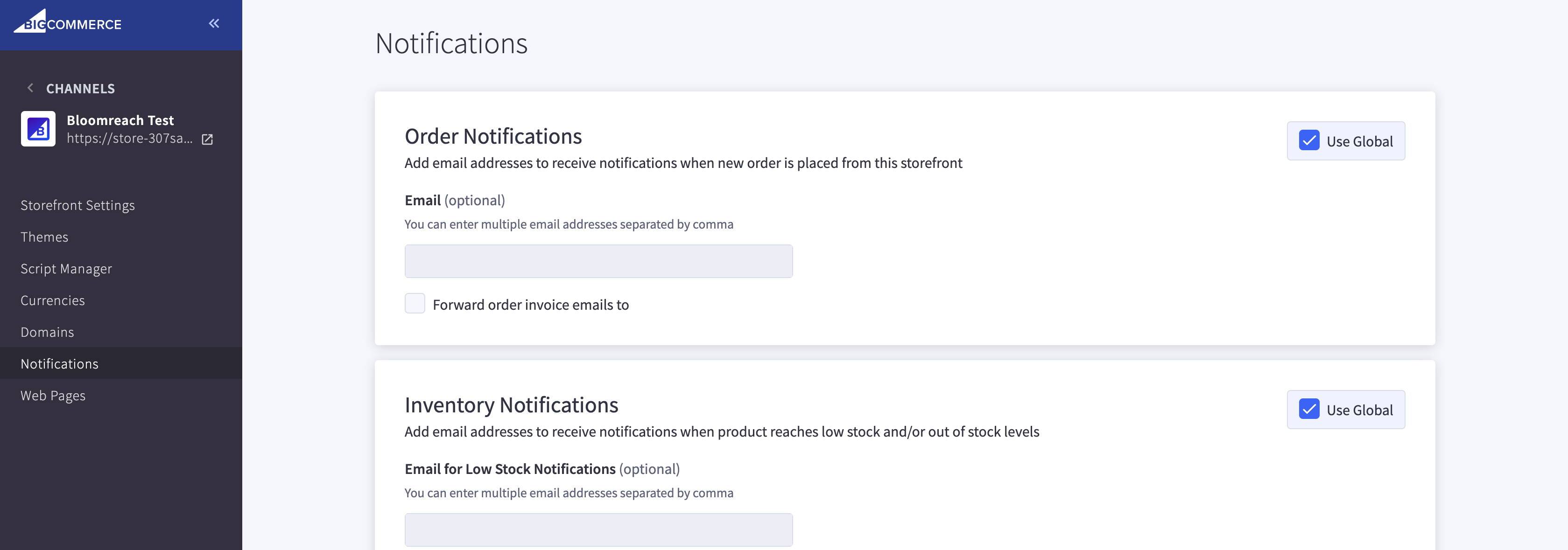
Include the notifications protected section in a Channel Menu’s bigcommerce_protected_app_sections array to render the BigCommerce-provided Notifications menu item in the channel’s navigation and corresponding settings page, and protect channel notifications from storewide notifications settings.