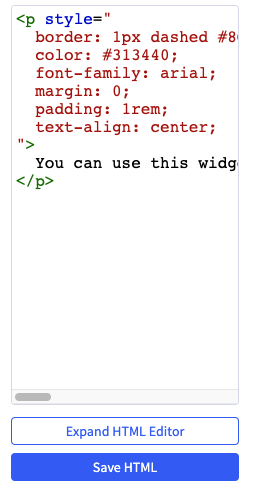
AdminWidgets & ScriptsInput ReferenceUI SettingsCodeCopy pageAllows you to display HTML editor controls for your widget. Widget Configuration Output { "html": "<div>html code can go here</div>"} User Interface Output JSON Schema PropertyTypeDescriptionExampleidstringThe variable name where the setting value will be available in the widget template.”htmlCode”labelstringThe user friendly message to inform the user how this setting will be used.”HTML Code”defaultstringThe default value to use when rendering the widget for the first time.”html code can go here”typestringThe type of setting component to display.”code”typeMetaobjectAdditional information needed based on the selected setting type.typeMeta.languagestringLanguage used in the code editor.”html”typeMeta.placeholderstringPlaceholder text in the text editor.”Insert HTML code here”