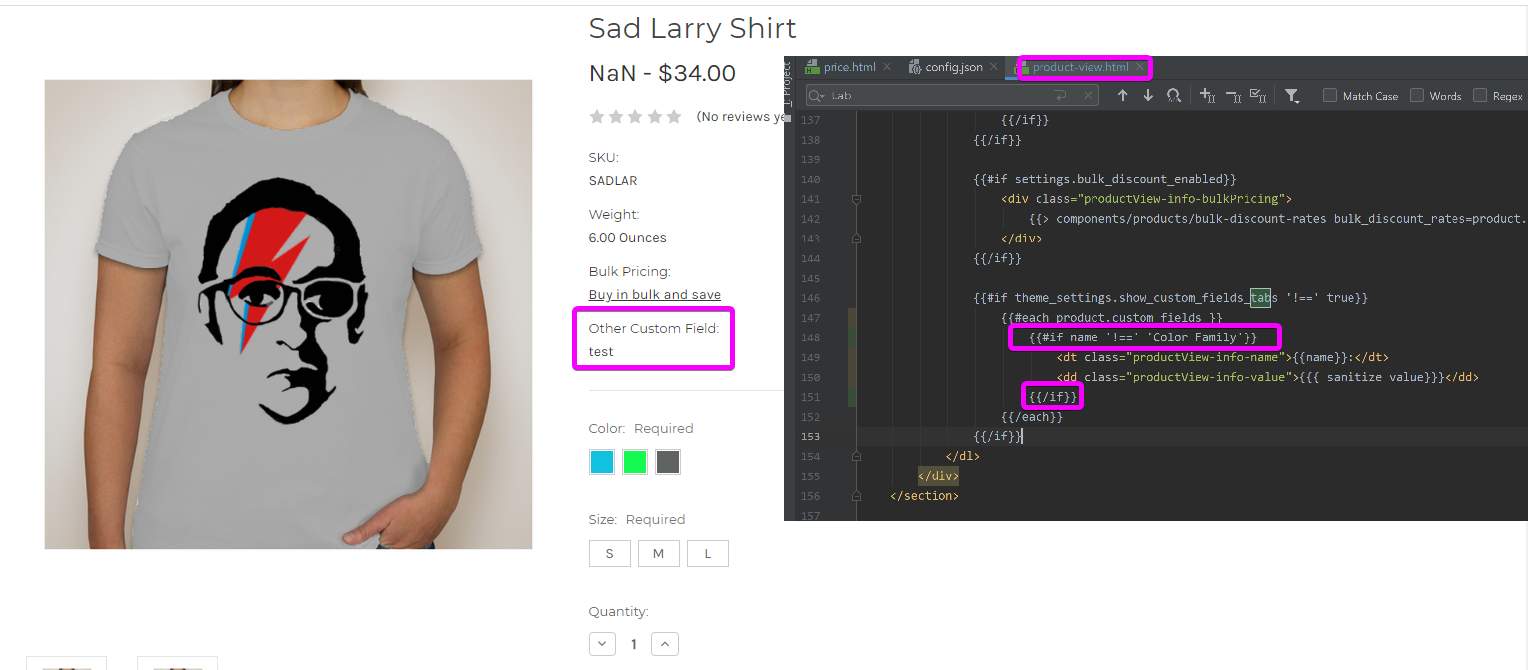
Mini Use Case - Create a Customized Field
Lesson 24 of 28 · 30 min
Solution/Hands-on Lab Activity: Use custom fields on the product color family and use the custom fields in the product filtering and hide custom on products on the product page.
The solution incorporates customization:
- Customization for: Products
- Code used: handlebars.js
Always make a backup copy of your theme before beginning any customization. Customize and test your copy.
Create a Custom Field
- Click Storefront
- Click Themes
- Select Theme Marketplace
- Select Theme Files
- Select Edit Theme Files (Warning: You must make a copy …)
The following screen displays:
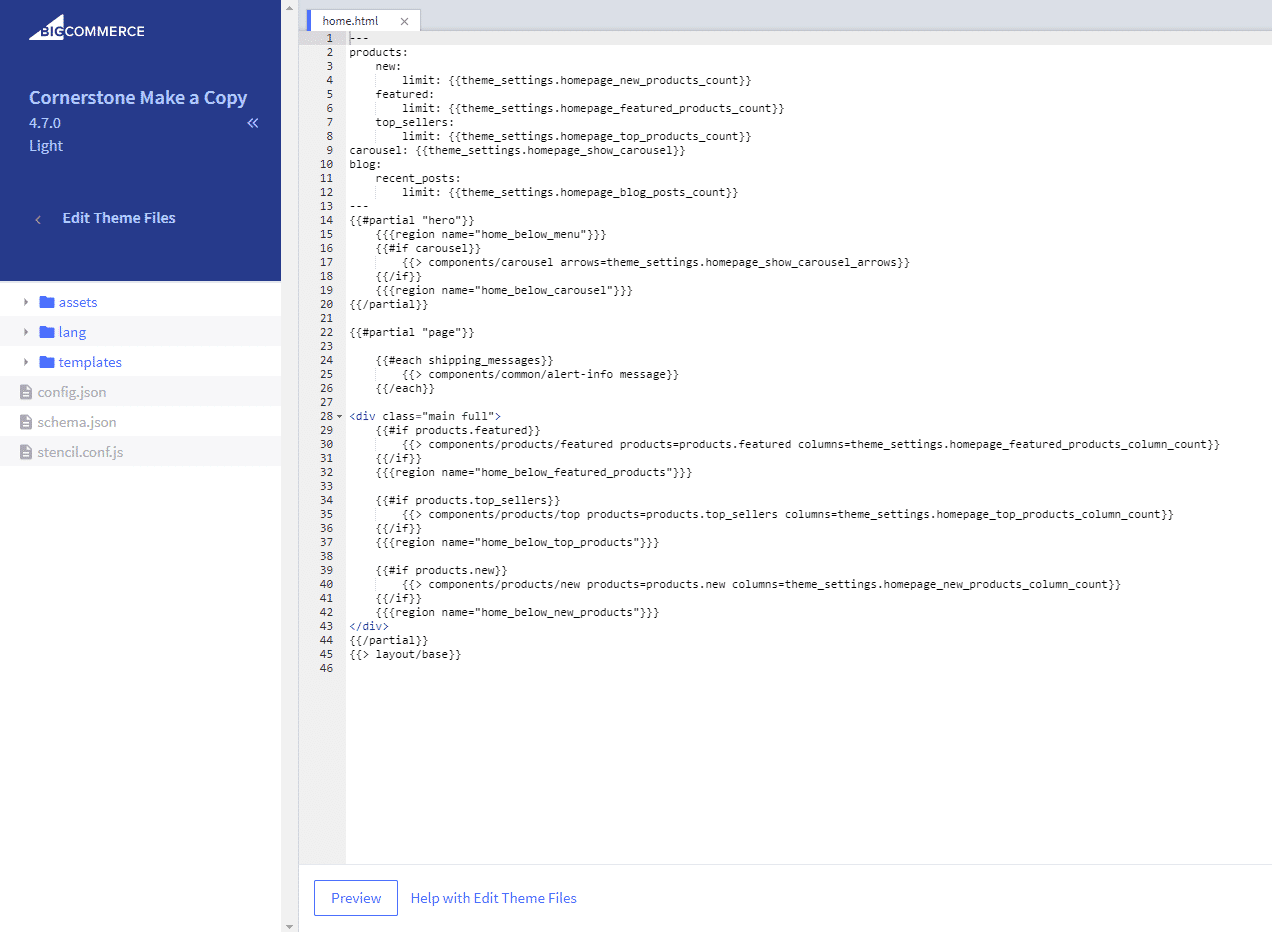
- From Templates > Select Products > From Product.View.html
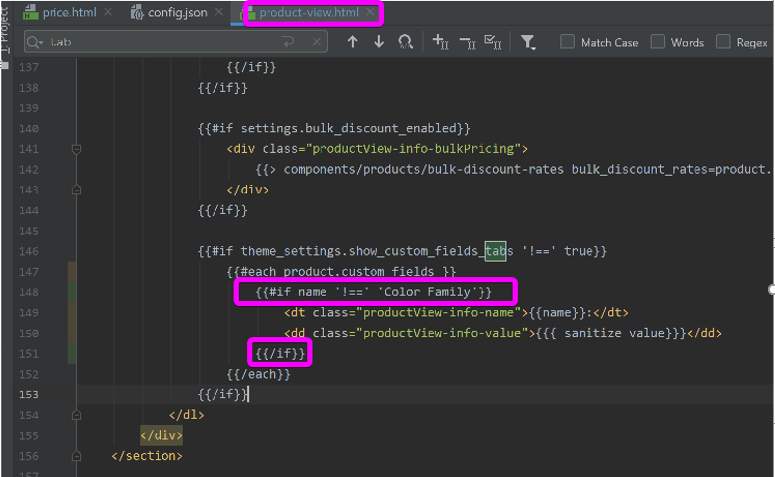
- Enter
{{if name "!==" "Color Family"}}
Customization Results