Order Status and Order Taxes - Hands-on Lab
Lesson 21 of 26 · 45 min
Order Taxes and Order Status API
In this lab, you will:
- Create an order with tax
- GET all order taxes
- GET all order statuses
- GET a single order status by ID
Prerequisites
- BigCommerce store (sandbox or live)
- API credentials for the store
- REST client (Postman)
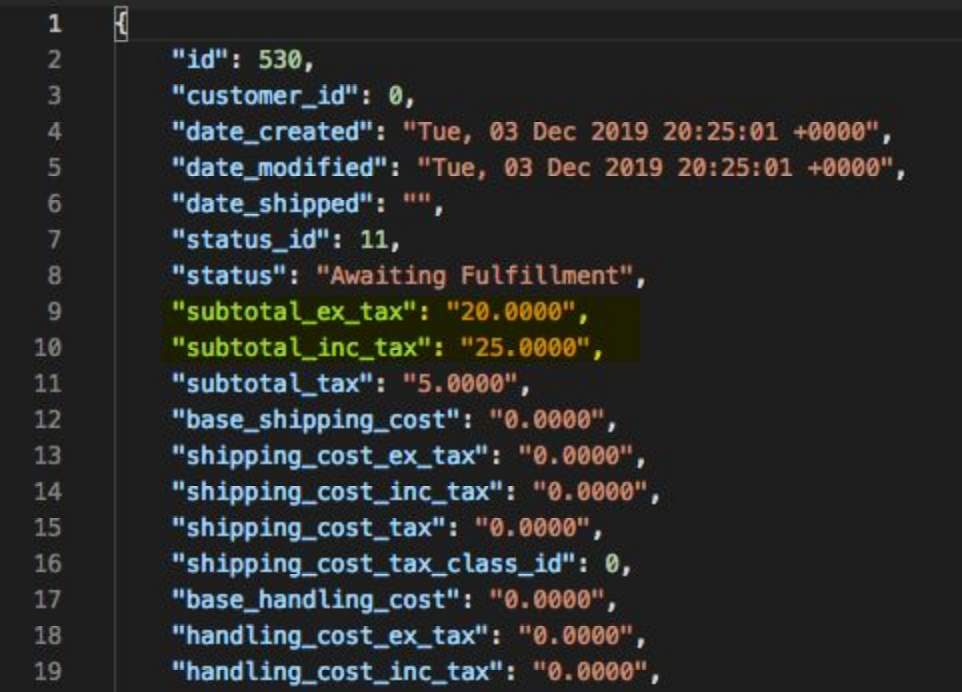
Create an Order with Tax
- Copy and paste the request below into Postman
- Copy and paste the code below into the body section of Postman
- Replace
{simple_product_id}with the ID of a simple product in the store - Select POST next to the request URL
- Click the Send button
- Observe response
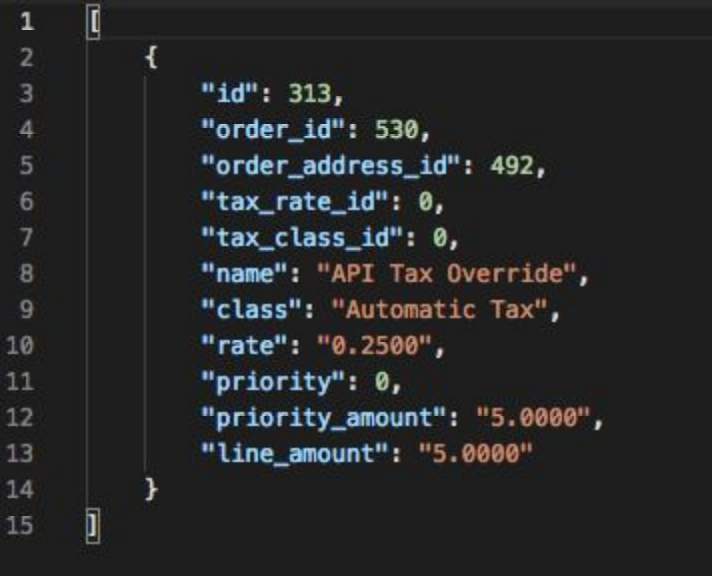
GET All Order Taxes
- Copy and paste the request below into Postman
- Replace
{order_id}with the order ID - Select GET next to the request url
- Click the Send button
- Observe the response
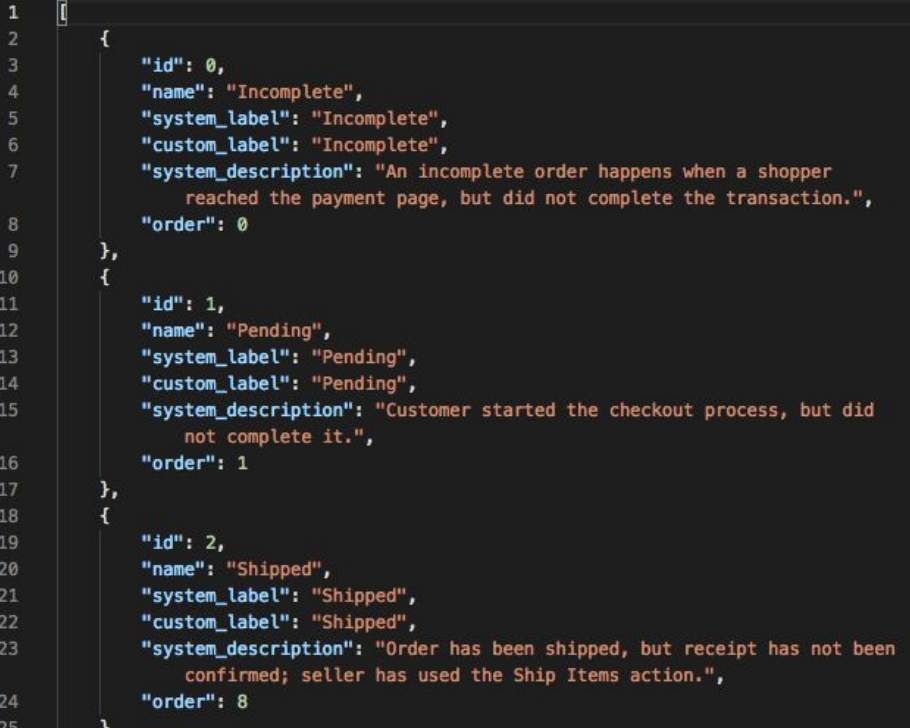
GET All Order Statuses
- Copy and paste the request below into Postman
- Select GET next to the request URL
- Click the Send button
- Observe response
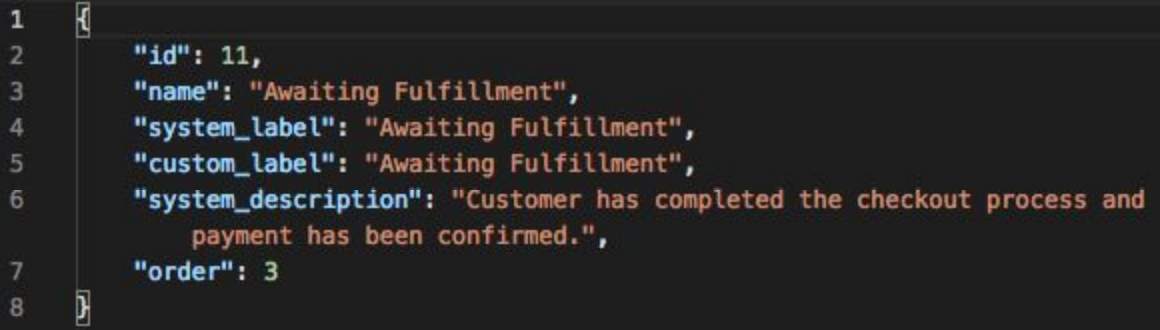
GET a Single Order Status By ID
- Copy and paste the request below into Postman
- Select GET next to the request url
- Click the Send button
- Observe the response