Order Shipping Address
Lesson 13 of 26 · 30 min
Retrieve or update a shipping address associated with an order.
- If a shipping address is not provided, it defaults to the billing address.
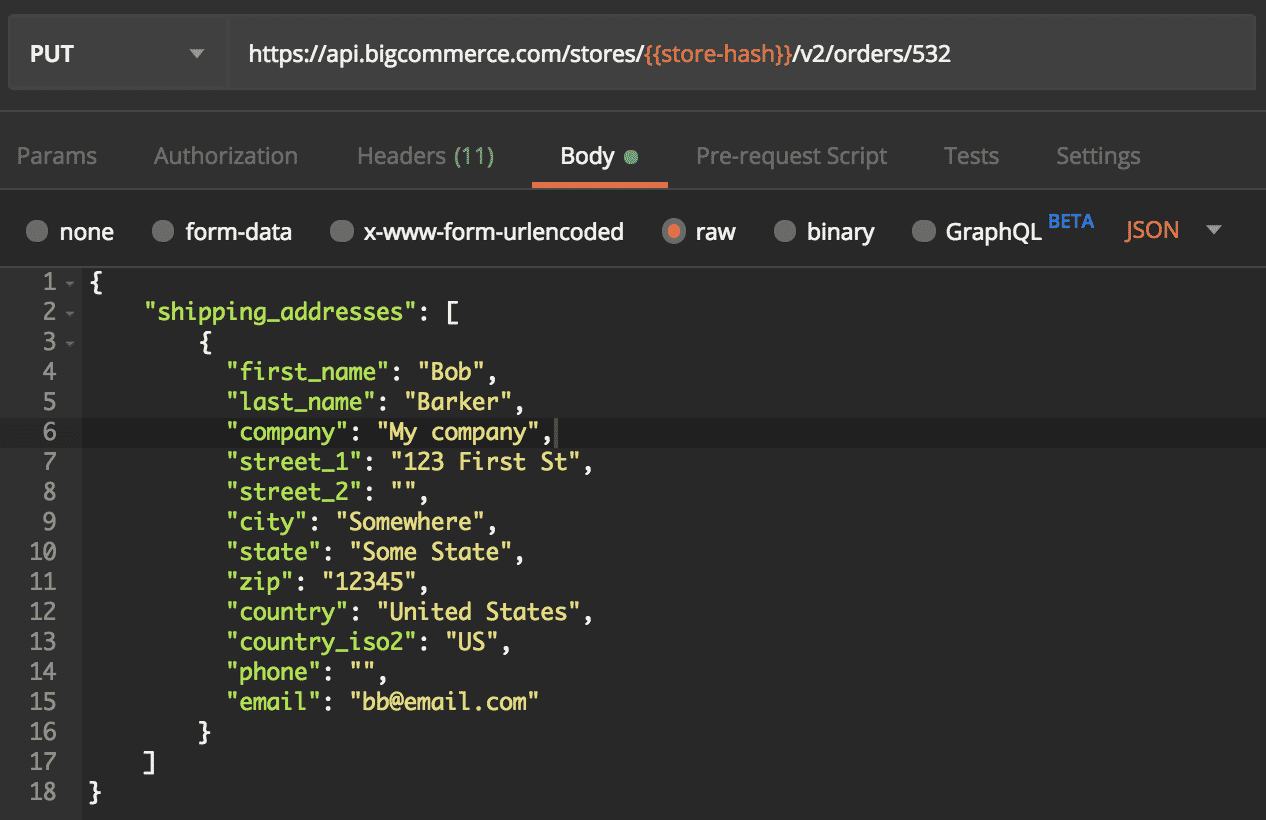
- The shipping address is input as an array object since more than one shipping address can be added at a time. Adding multiple shipping addresses allows for an order to ship to multiple locations.
- When adding shipping addresses during an order PUT or POST request, the API will allow you to add more than is necessary.
Update an order’s shipping address
Update or add a shipping address to an existing order with a PUT request to: /orders/{order_id}
GET a List of Order Shipping Addresses
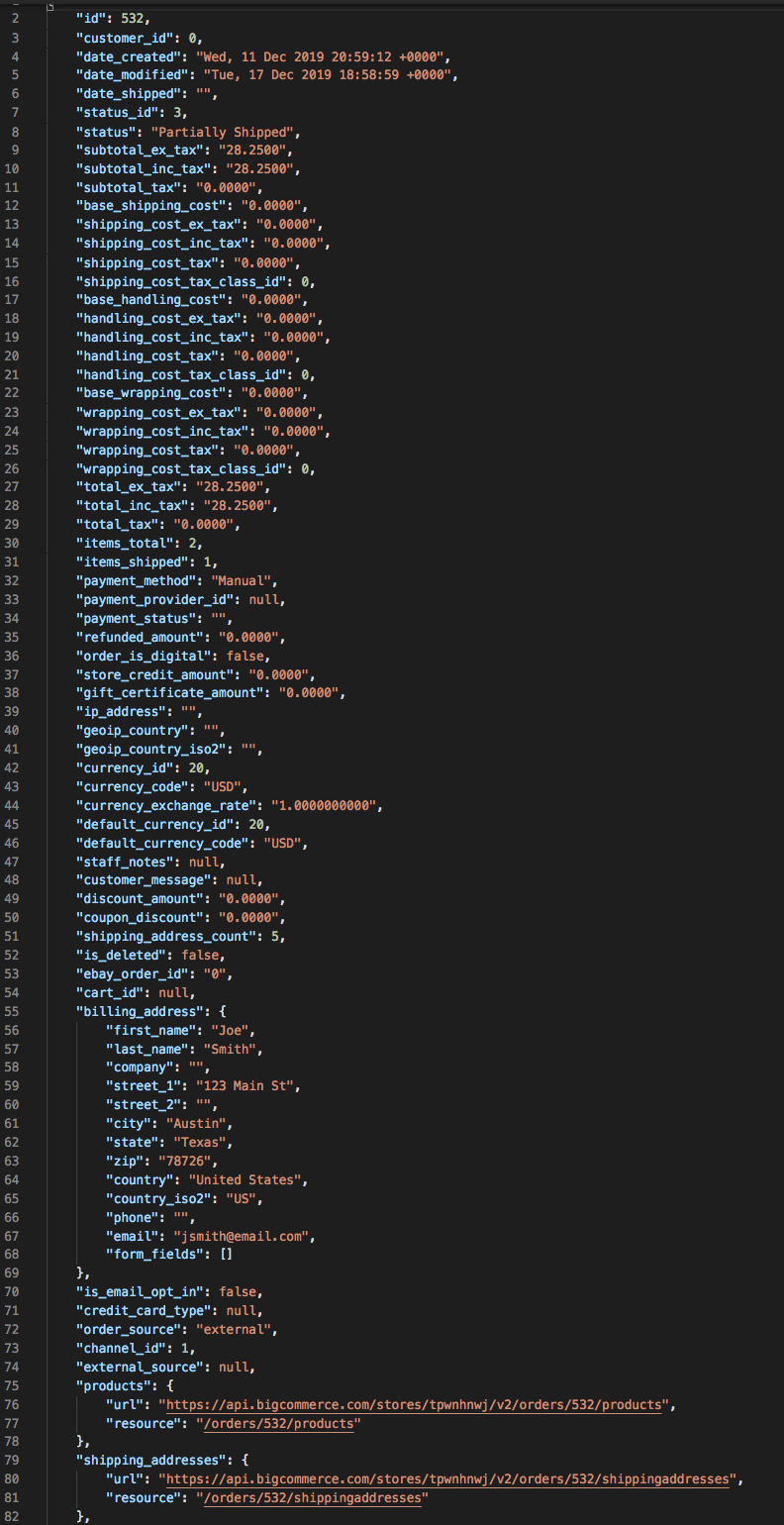
GET all shipping addresses on an order using the order_id by sending a request to: /orders/{order_id}/shipping_addresses
GET a Shipping Address
GET a single shipping addresses associated with an order with the id of the shipping address: /orders/{order_id}/shipping_addresses/{id}
Returned in the response is shipping_quotes object. Please use the Get Shipping Quotes Endpoint. Using the response will return a 204 for the shipping quote.

