Lab - Images, Videos, and Custom Fields
Lesson 12 of 21 · 30 min
This lab activity will give you a chance to practice working with product images, videos, and custom fields via the Catalog API. Each step will walk you through how to use all of the endpoints covered in the previous lesson.
Prerequisites:
- BigCommerce store (sandbox or live)
- Basic knowledge of APIs
- REST client (Postman)
- Completion of Catalog API previous labs
In this lab, you will:
- Add an image to a product
- Add a video to a product
- Add a custom field to a product
Add an Image to a Product
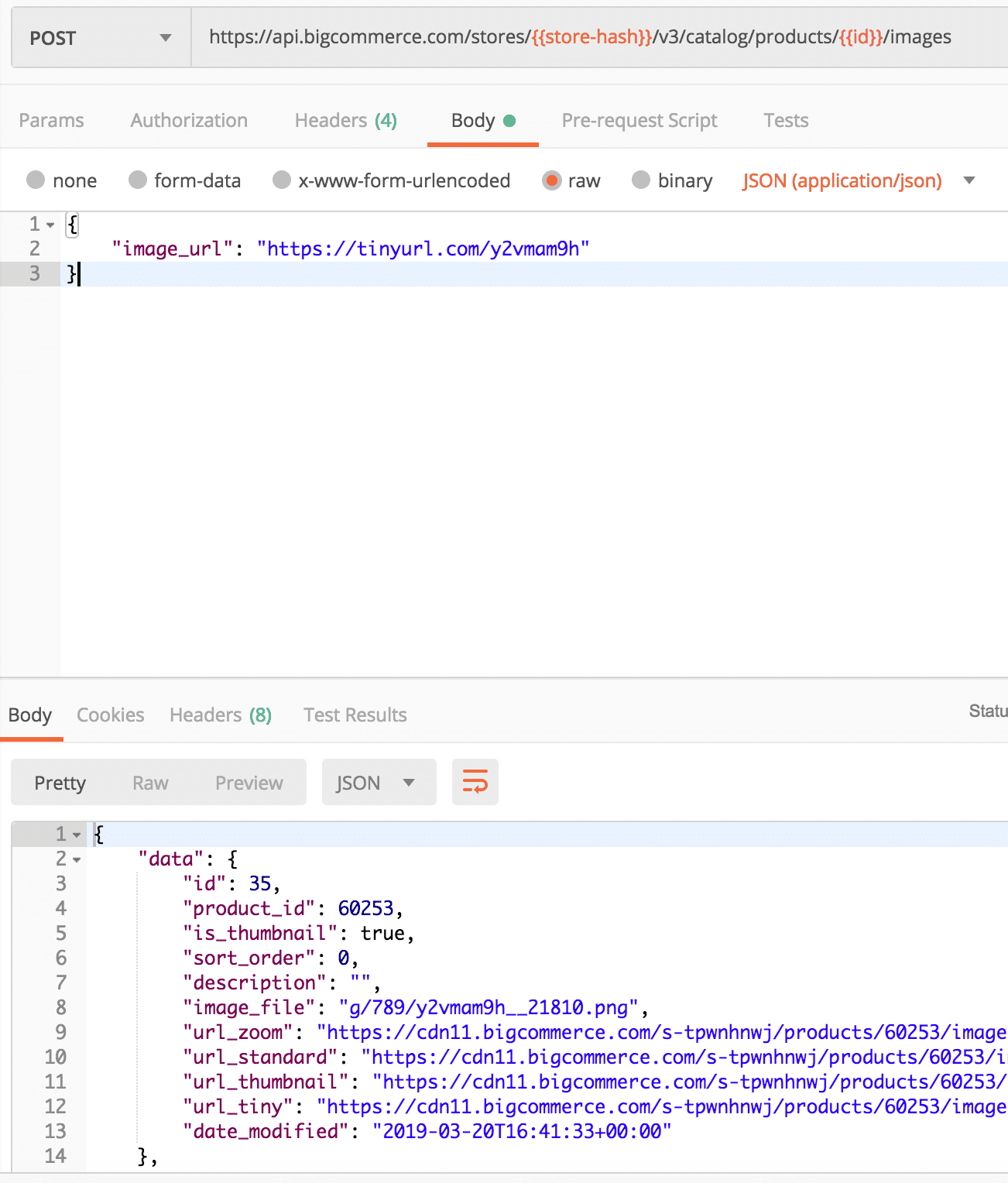
- Copy and paste the request below into Postman
- Enter the ID of the product created in previous lab for
product_idin the Params tab - Copy and paste the code below into the Body section of Postman
- Select POST next to the request url
- Click the Send button
- Observe response and image added to product
Add a Video to a Product
- Copy and paste the request below into Postman
- Enter the ID of the product created in previous lab for
product_idin the Params tab - Copy and paste the code below into the Body section of Postman
The video_id is the ID of the video on a host site. The full URL for the video in this example is https://www.youtube.com/watch?v=Qi6SH5ePc3Q, but the request only needs the video_id which is Qi6SH5ePc3Q.
- Select POST next to the request url
- Click the Send button
- Observe response and video added to product
Add a Custom Field to a Product
- Copy and paste the request below into Postman
- Enter the ID of the product created in previous lab for
product_idin the Params tab - Copy and paste the code below into the Body section of Postman
- Select POST next to the request url
- Click the Send button
- Observe response and custom field added to product

